Research
Market research and a review of competing tools to confirm the problem before designing anything.
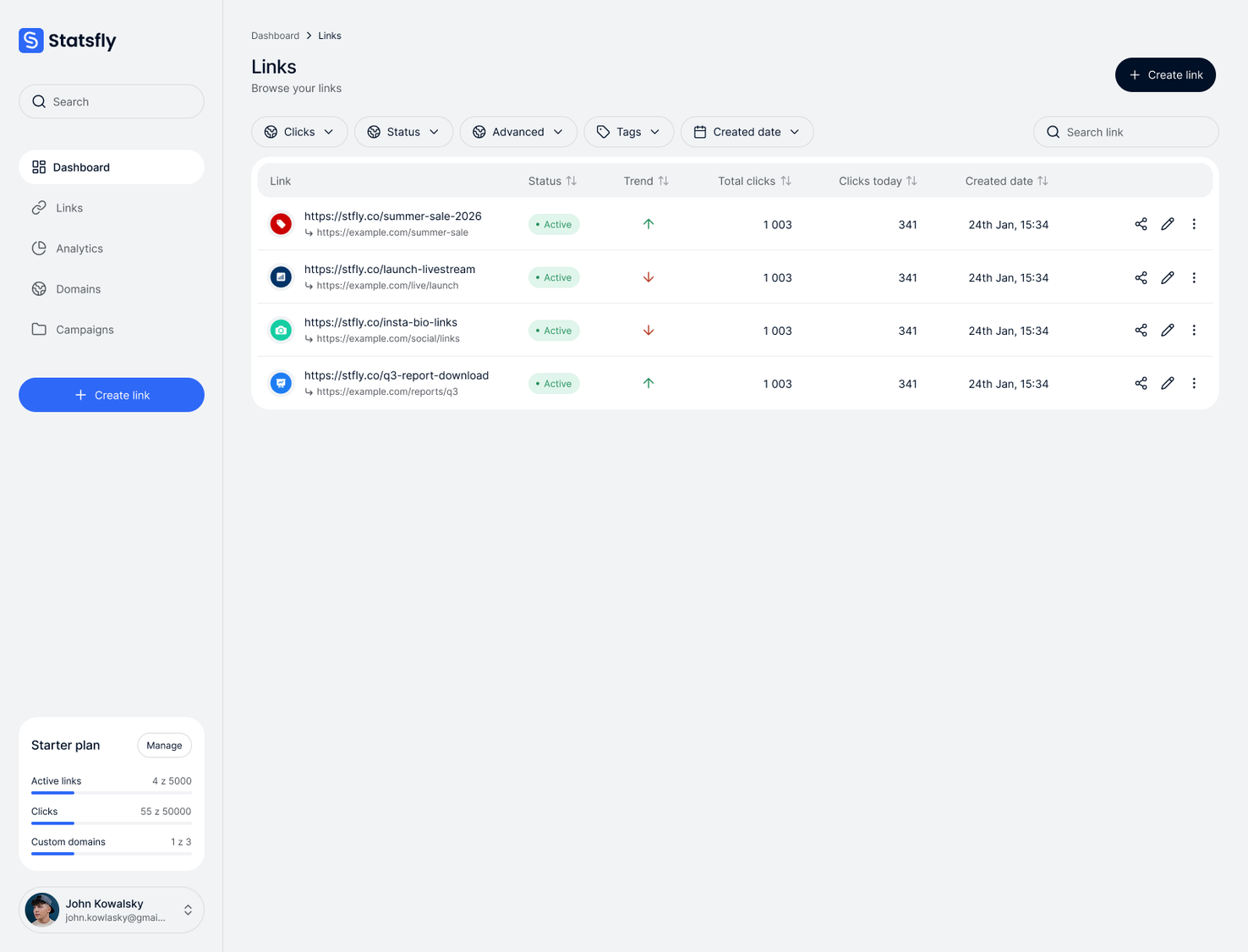
A link shortener with click analytics that I designed and built solo, covering UX/UI, front end and back end. The idea was simple: give everyone the link controls other tools charge for.
Check live version app.statsfly.com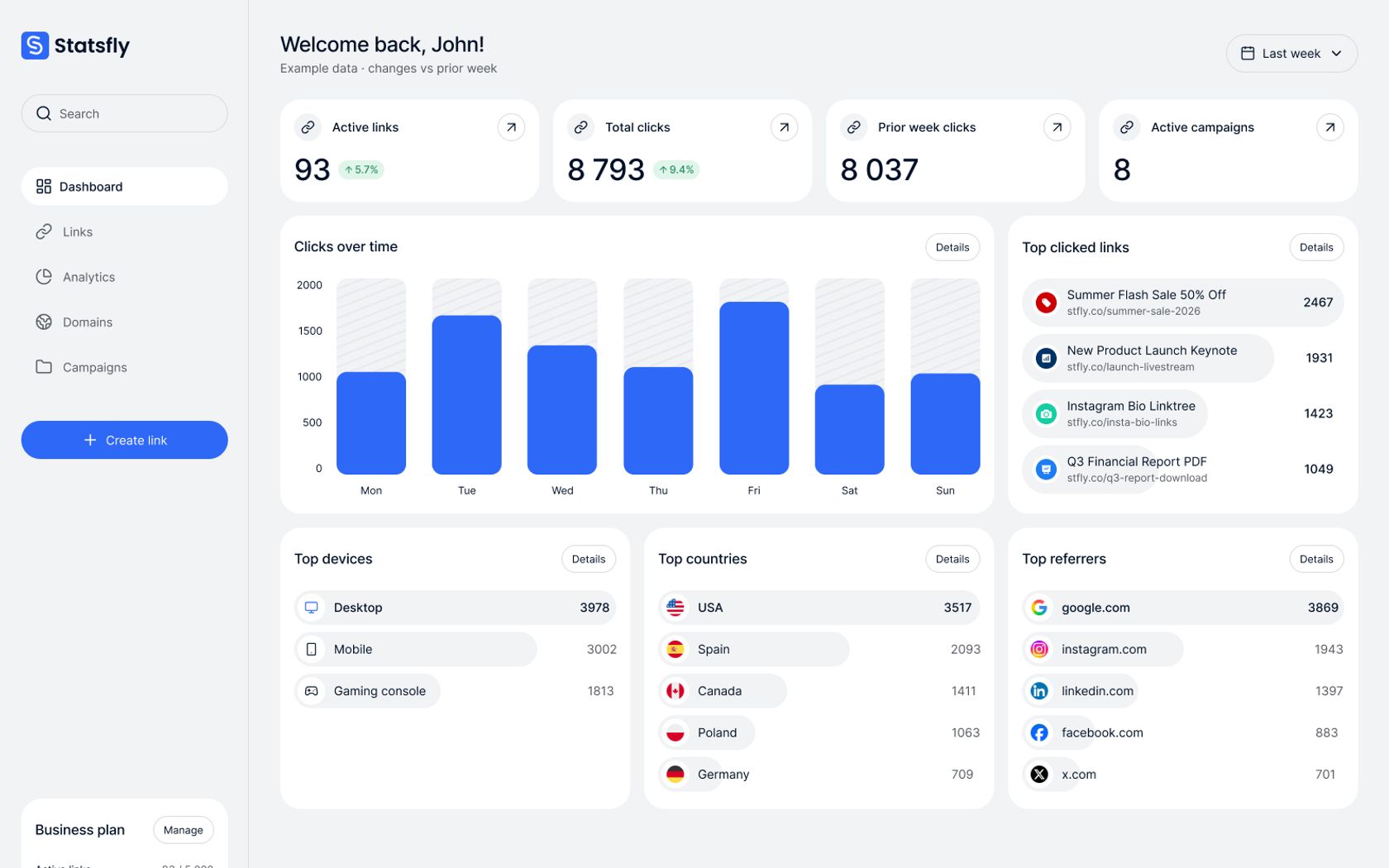
Short links are easy to find. Managing them is where the paywalls start. Most link shorteners lock everyday controls like link targeting and password protection behind a paid plan, even though they’re basic features.
Statsfly started as an answer to that gap: short links, click analytics and the management features people actually need, available from the start instead of after an upgrade.
Market research and a review of competing tools to confirm the problem before designing anything.
User flows, lo-fi wireframes and the final interface, all designed in Figma.
Front end, back end and analytics in a Turborepo monorepo, built with spec-driven development.
One person, three roles I handled design, front end and back end alone, so every decision had to work in Figma and in code at the same time.
Fast dashboards on a flood of clicks Every click is an event, and dashboards have to query large volumes of them instantly. A standard application database isn’t built for that, so analytics needed its own data layer.
Redirects nobody notices Every short link adds a step between the click and the page. The redirect, and the click it records, had to be fast enough that visitors never notice it.
Analytics without tracking people Each click needed its country, device and source without Statsfly storing anyone’s IP address.
I ran Statsfly the way I run client projects, following the same steps as my workflow.
Understand I compared competing link shorteners and their pricing. They all did the same thing: basic link management only came with a paid plan. That confirmed the problem, and from there I defined the MVP.
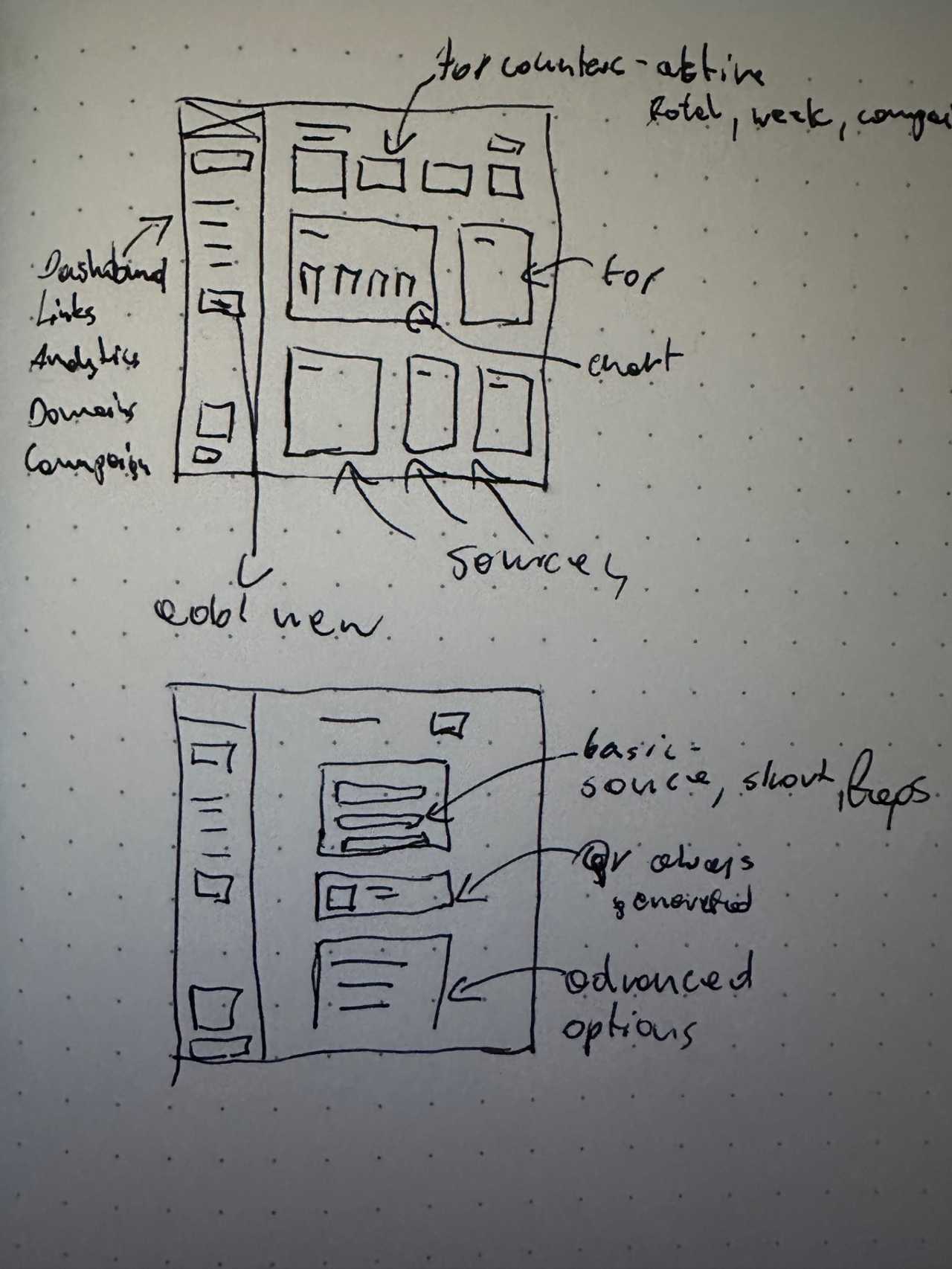
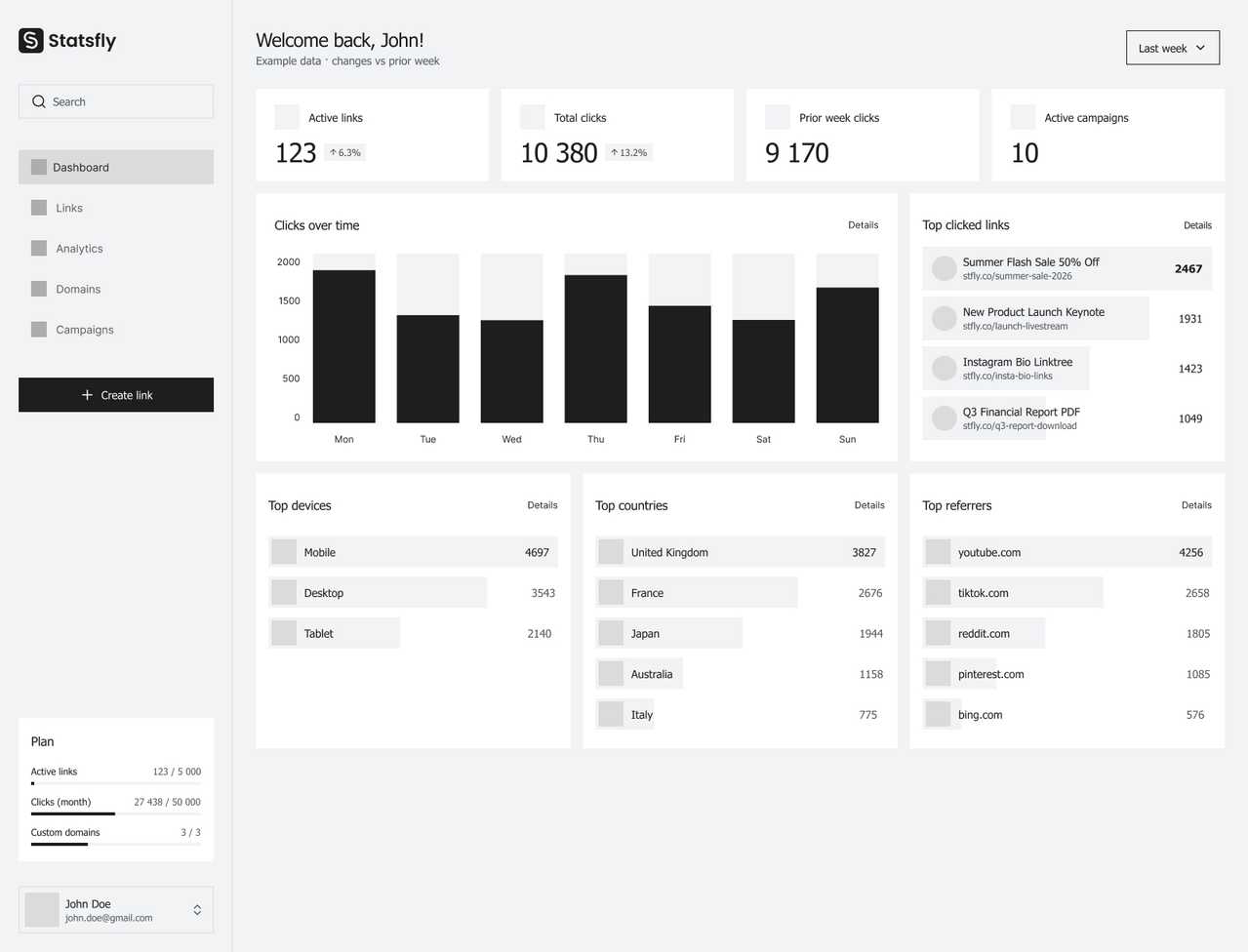
Concept Design I sketched the features and the first user flows, then made lo-fi wireframes in Figma. Claude Design and Gemini helped me research patterns and generate layout variants to compare before picking one.
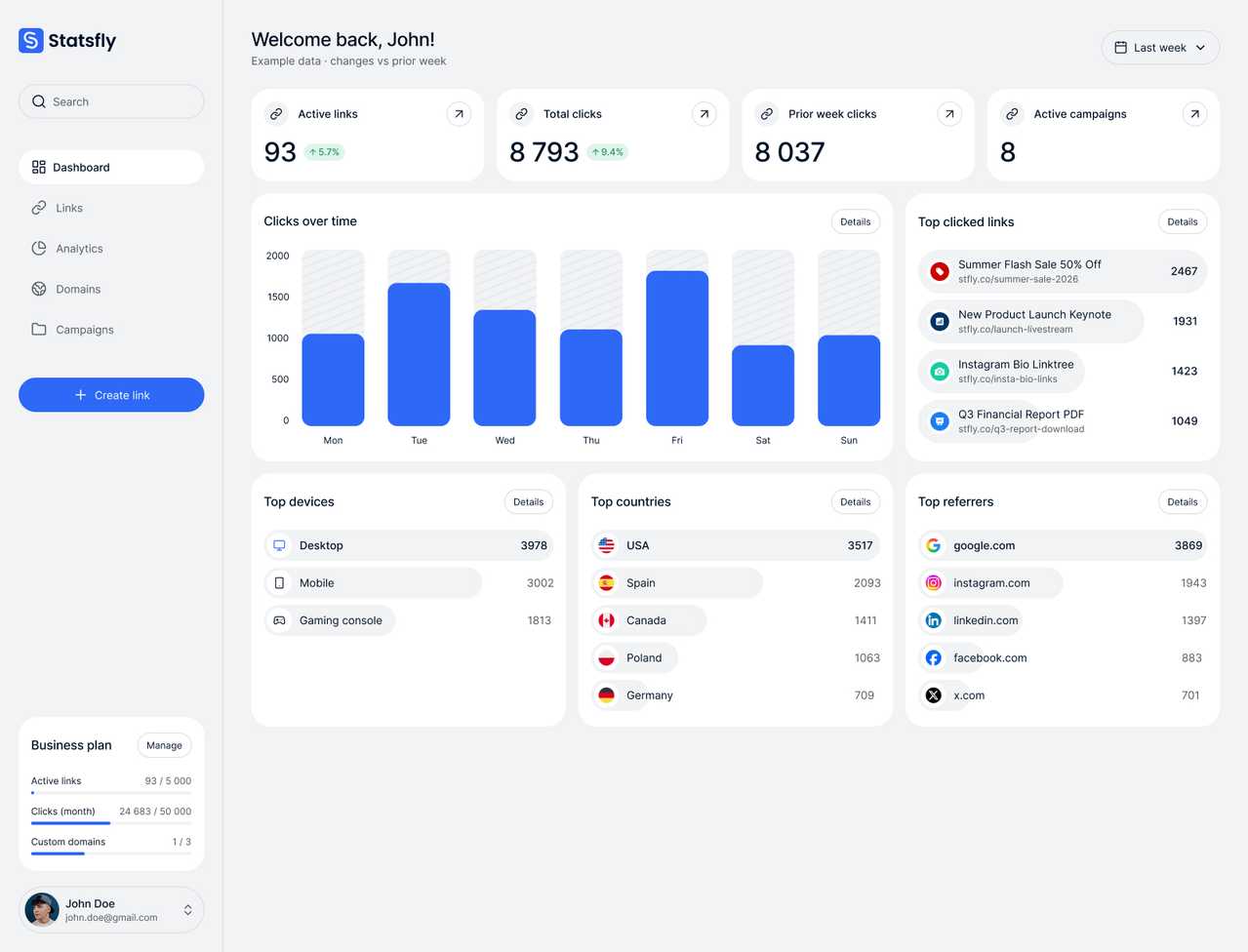
UI Design I designed the final interface in Figma, drawing on those AI explorations, Pinterest and Dribbble.
Build Each feature started as a written spec, implemented with Claude Code. The front end runs on Nuxt 4 and PrimeVue, and the Hono API runs on Cloudflare Workers with Neon Postgres. Click events go to Tinybird, an OLAP database designed for analytical queries. PostHog covers product analytics and feature flags, so I can roll features out gradually.
Design: Figma, Claude Design Front end: Nuxt 4, PrimeVue Back end & data: Hono, Neon, Tinybird, Cloudflare Workers Analytics & feature flags: PostHog Workflow: Turborepo, Claude Code, Gemini
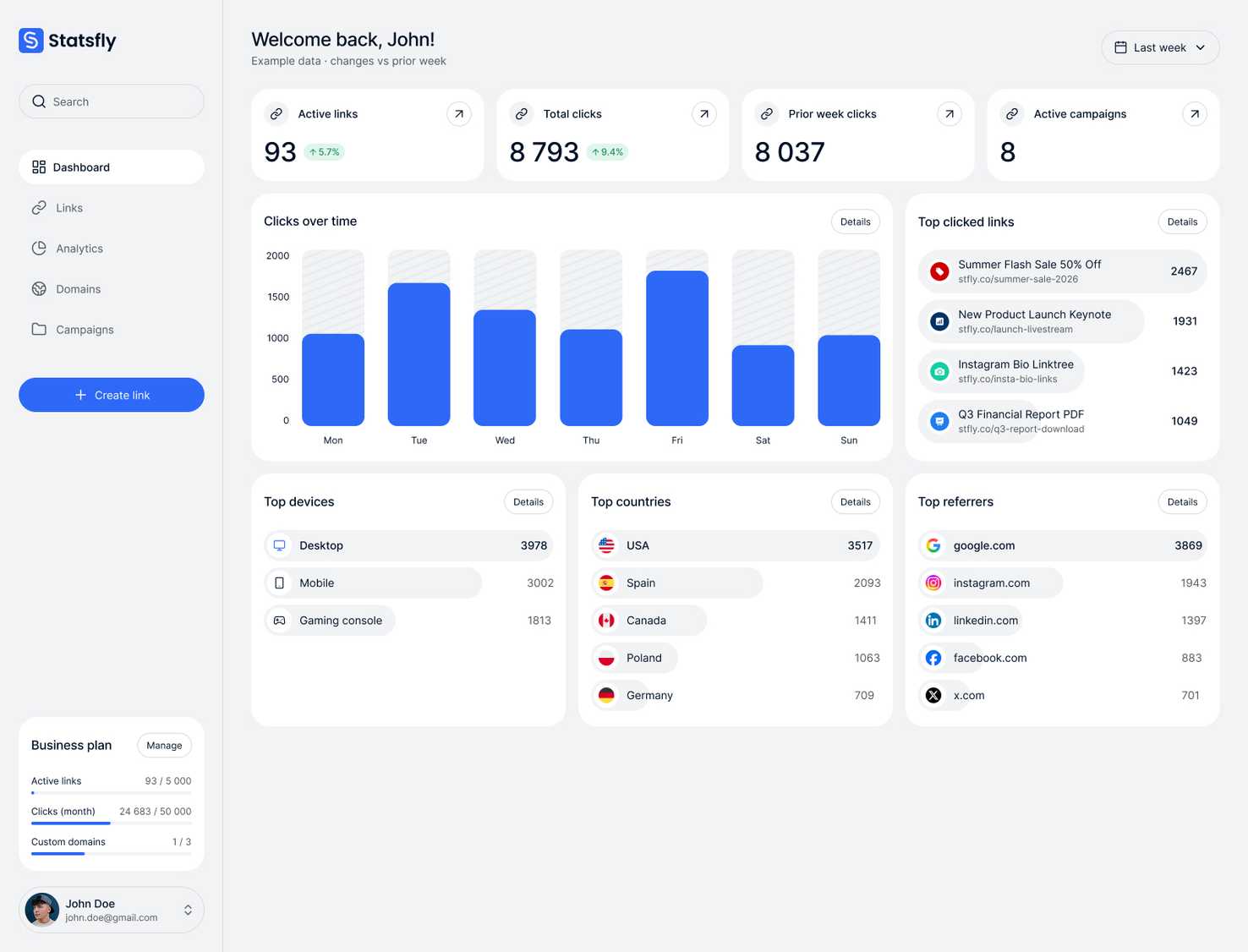
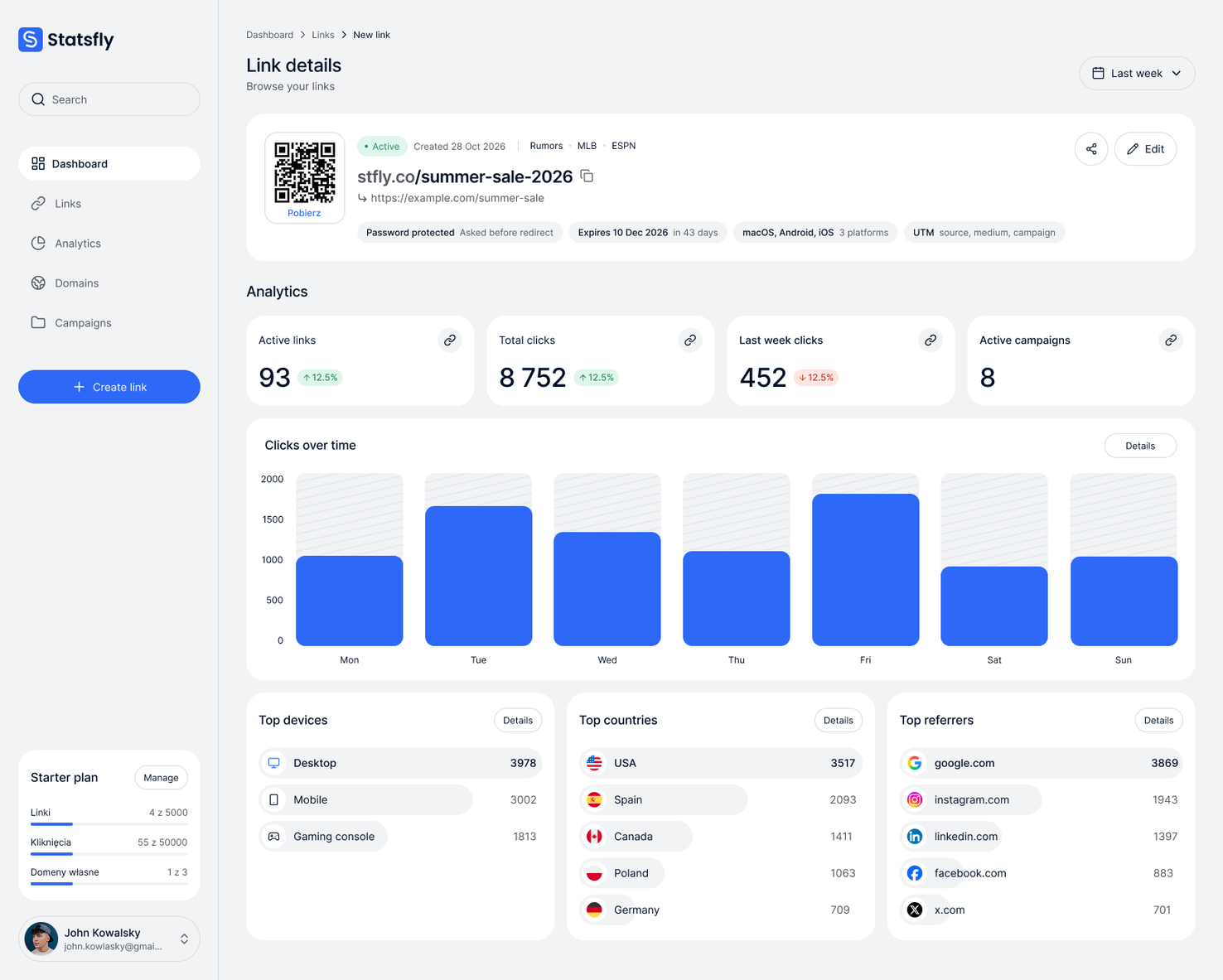
Statsfly gives everyone the link controls other tools keep behind a paywall. Every click appears in the dashboard as it happens, with its country, device and source. Every link can be targeted, password-protected, given an end date and tracked, starting on the free plan.
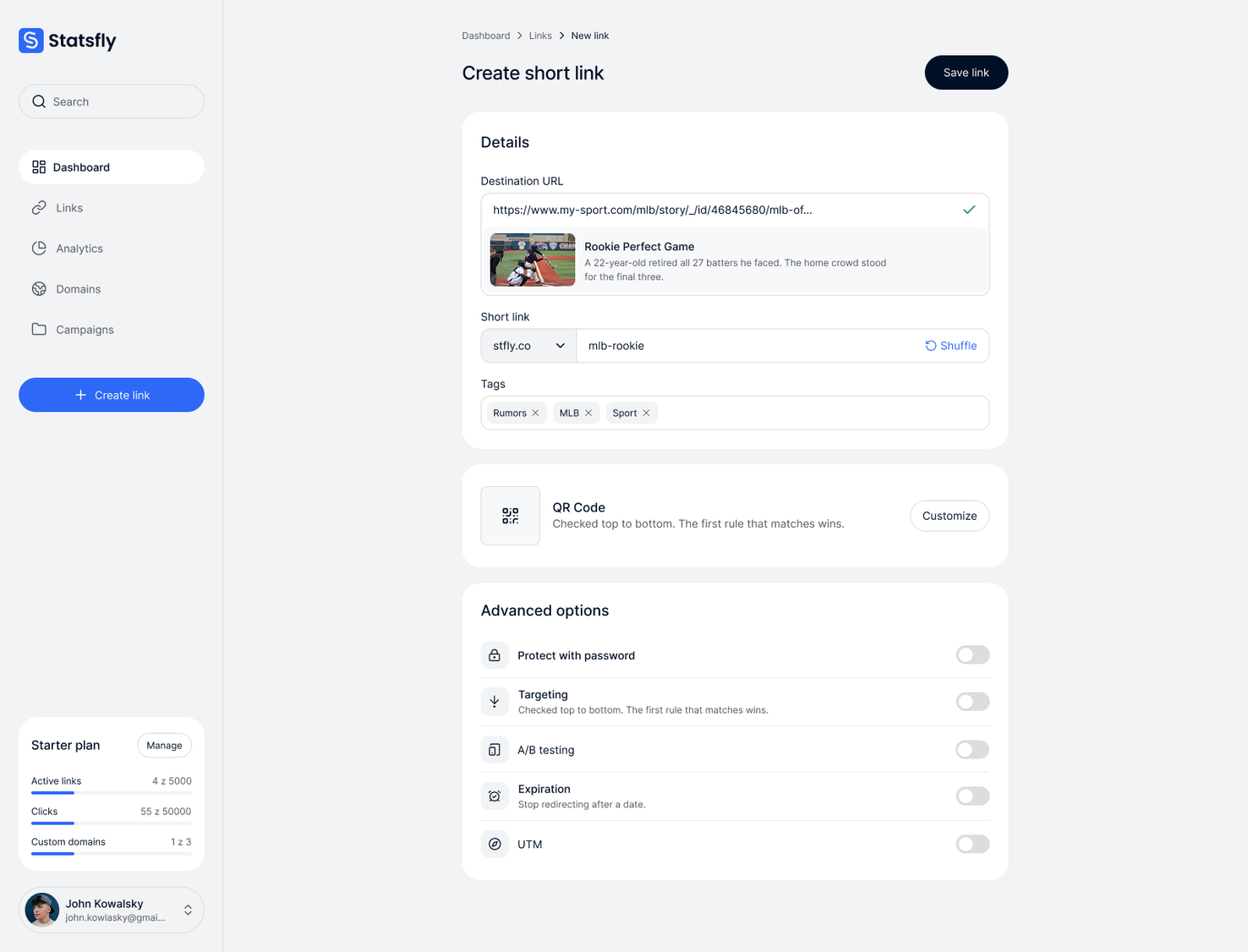
Pro link controls, free Targeting, passwords, expiry dates, QR codes and UTM tags work from the first link, with no upgrade needed.
Clicks in real time Click data goes to Tinybird, a database designed for analytics, so dashboards stay fast as clicks pile up. Bots and link previews are filtered out.
Redirects from the nearest data centre Links run on Cloudflare Workers, so each visitor is redirected from the data centre closest to them.
Private by design Statsfly never stores the IP addresses of the people who click.